
Introduction to Microsoft Copilot in SharePoint
Microsoft Copilot has transformed how organizations interact with SharePoint, bringing AI-powered intelligence directly into your content management workflows. In 2025, the integration between Copilot and SharePoint has reached new heights with GPT-5 integration, enhanced agent capabilities, and seamless automation features.
What is Microsoft Copilot for SharePoint?
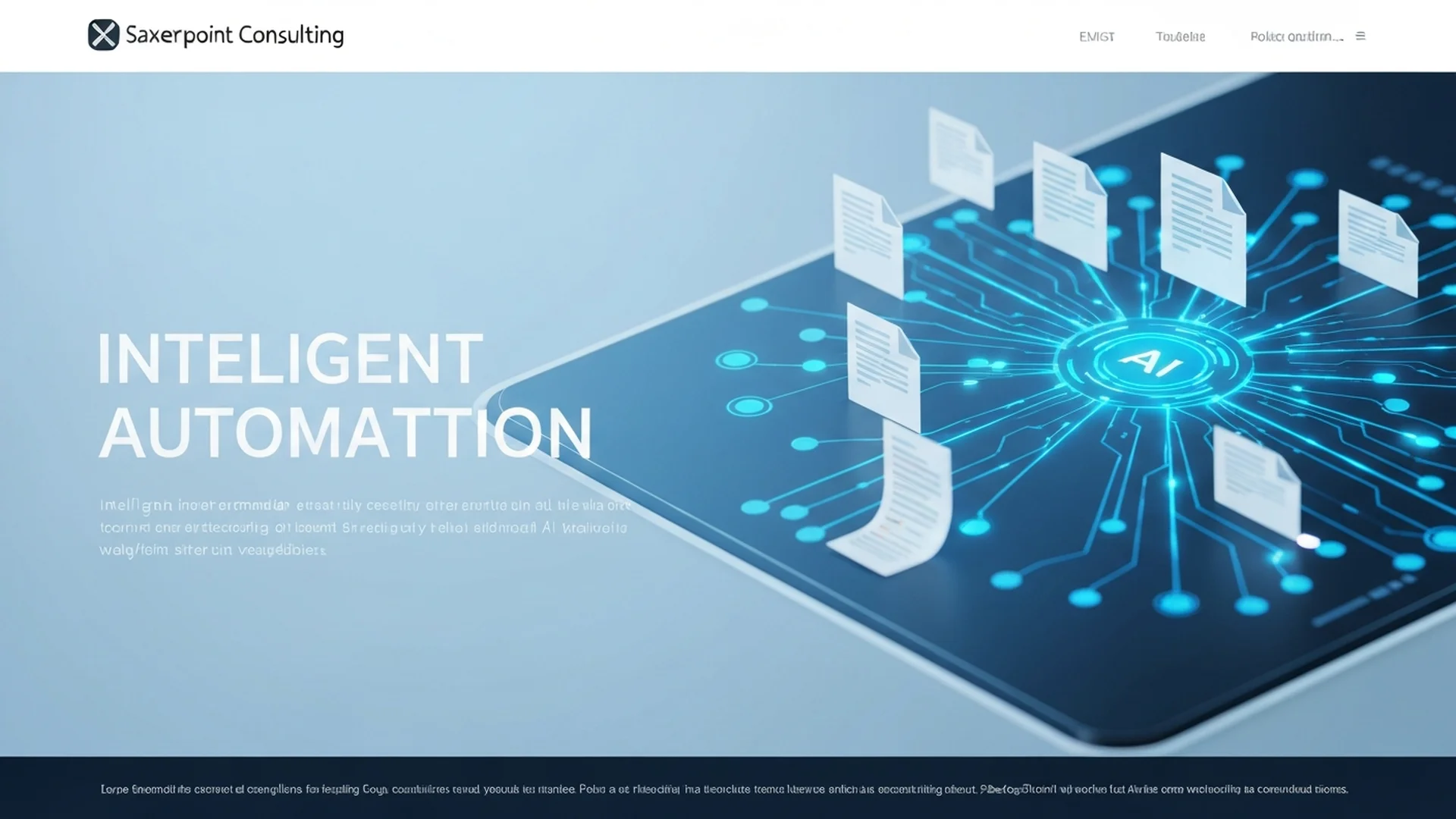
Microsoft Copilot for SharePoint is an AI assistant that helps users create content, manage documents, automate workflows, and gain insights from their SharePoint data. It leverages large language models to understand natural language requests and execute complex tasks with simple prompts.
Key Capabilities
1. Intelligent Page Creation
Copilot can build entire SharePoint pages from natural language descriptions. Simply describe what you need, and Copilot generates professional layouts, content structures, and visual elements.
2. Document Summarization
Quickly summarize lengthy documents, extract key points, and generate executive summaries without reading entire files.
3. Content Discovery
Ask Copilot to find specific information across your SharePoint environment, and it searches, filters, and presents relevant results.
4. Workflow Automation
The Workflows agent enables users to automate repetitive tasks across Microsoft 365 apps using simple prompts.
SharePoint Admin Agent: A Game Changer
The SharePoint Admin Agent is designed for administrators tasked with ensuring organizational content is governed properly in the AI era. Key features include:
- Permission Management: Automated analysis and remediation of overshared content
- Storage Optimization: Intelligent recommendations for storage management
- Lifecycle Management: Automated content archival and deletion workflows
- Access Control: Real-time monitoring of sensitive data access
Best Practices for Copilot Implementation
1. Prepare Your Data
Before deploying Copilot, ensure your SharePoint environment is well-organized:
- Implement consistent metadata taxonomy
- Clean up orphaned content
- Establish clear permission structures
- Configure sensitivity labels
2. Start with Pilot Groups
Roll out Copilot to power users first:
- Select representatives from each department
- Gather feedback on use cases
- Document successful patterns
- Create training materials
3. Monitor and Optimize
Use analytics to track Copilot adoption:
- Measure time savings
- Track most common queries
- Identify gaps in data coverage
- Continuously improve responses
Security Considerations
Microsoft Copilot respects existing SharePoint permissions. Users can only access information they're authorized to view. However, organizations should:
- Review and tighten overly permissive sharing settings
- Implement Microsoft Purview sensitivity labels
- Configure real-time data loss prevention policies
- Regularly audit access patterns
Cost and Licensing
Microsoft 365 Copilot is available as an add-on license. Organizations should consider:
- Per-user licensing costs
- Training and change management investment
- Potential productivity gains
- ROI measurement strategies
Conclusion
Microsoft Copilot for SharePoint represents a significant leap forward in enterprise productivity. By following best practices for implementation and governance, organizations can unlock tremendous value while maintaining security and compliance.
Ready to implement Copilot in your SharePoint environment? Contact our experts for a personalized assessment.
Enterprise Implementation Best Practices
In our 25+ years managing enterprise SharePoint environments, we have guided dozens of Fortune 500 organizations through Copilot deployment and the lessons learned consistently point to the same critical success factors. Deploying Copilot without proper preparation leads to poor user experiences, security concerns, and wasted licensing investment.
- Conduct a Data Readiness Assessment First: Copilot's effectiveness depends entirely on the quality and organization of your SharePoint content. Before enabling Copilot licenses, audit your content for accuracy, completeness, and proper classification. Remove outdated documents, correct metadata inconsistencies, and ensure sensitivity labels are properly applied. Copilot will surface whatever content it can access, so cleaning your data estate prevents the AI from generating responses based on obsolete or incorrect information.
- Implement Oversharing Remediation: The single greatest risk with Copilot deployment is exposing content that users should not access. Copilot respects SharePoint permissions, which means if your permissions are overly broad, Copilot becomes a powerful tool for discovering content that was technically accessible but practically hidden. Run the SharePoint Admin Agent or third-party tools to identify and remediate overshared sites, libraries, and documents before rolling out Copilot licenses.
- Deploy in Phases with Pilot Groups: Start with a pilot group of 50 to 100 users across different departments. Select users who are both technically capable and willing to provide detailed feedback. Monitor their usage patterns, the quality of Copilot responses, and any security incidents for 30 days before expanding to the next wave. This phased approach allows you to identify and resolve issues before they affect the entire organization.
- Create a Copilot Prompt Library: Develop a library of effective prompts tailored to your organization's specific use cases. Include prompts for common scenarios such as summarizing project documentation, drafting communications based on SharePoint content, creating meeting preparation briefs from stored documents, and generating reports from list data. Share this library through a dedicated SharePoint site to accelerate adoption and ensure consistent quality.
- Configure Copilot Governance Policies: Use the Microsoft 365 admin center and SharePoint admin center to configure Copilot-specific governance controls. Restrict Copilot access to specific sites or content types where appropriate, configure audit logging for all Copilot interactions, and establish acceptable use policies that define how employees should and should not use Copilot-generated content. Review these policies quarterly as Copilot capabilities evolve with each Microsoft update.
- Invest in Change Management: Copilot changes how people work, and change without support leads to frustration and abandonment. Develop role-specific training that shows users exactly how Copilot helps their daily tasks. Create champion networks within each department, host regular office hours for questions, and celebrate early wins to build momentum across the organization.
Governance and Compliance Considerations
Deploying Microsoft Copilot in SharePoint introduces new governance and compliance dimensions that organizations must address proactively. The AI capabilities that make Copilot powerful also create risks if not properly governed within your regulatory framework.
Data residency and sovereignty requirements remain critical. Copilot processes content through Microsoft's AI infrastructure, and organizations must verify that this processing complies with their data residency obligations. For organizations subject to EU data protection regulations, confirm that Copilot processing occurs within the appropriate geographic boundaries and that data processing agreements cover AI-assisted content generation.
For HIPAA-regulated healthcare organizations, Copilot's ability to search and summarize content means it could potentially surface protected health information in responses to users who have technical access but no legitimate clinical or business need. Implement minimum necessary access controls before enabling Copilot, and configure audit logging to track every Copilot interaction involving libraries that contain PHI. Review Microsoft's Business Associate Agreement to confirm Copilot usage is covered.
Financial services organizations must consider how Copilot-generated content fits within their compliance frameworks. If Copilot drafts client communications or generates investment summaries from SharePoint data, those outputs may be subject to SEC recordkeeping requirements and FINRA supervision rules. Establish clear policies requiring human review and approval of any Copilot-generated content before it is shared externally or used in regulated business processes.
Intellectual property considerations also require attention. Content generated by Copilot based on your SharePoint data is influenced by your proprietary information. Ensure your acceptable use policy addresses ownership of Copilot-generated content and restricts sharing of AI-generated summaries that may contain distilled proprietary knowledge. Consult with your legal team and SharePoint consulting partners to develop Copilot-specific intellectual property guidelines.
Measuring Success and ROI
Justifying Copilot's per-user licensing cost requires systematic measurement of productivity improvements and business outcomes. Establish baseline metrics before deployment and track improvements monthly to demonstrate return on investment to executive stakeholders.
Track time savings per user per week by surveying pilot groups on tasks that Copilot accelerates, targeting a minimum of 2 to 4 hours saved weekly per active user. Monitor Copilot adoption rates targeting 70 percent active weekly usage within 90 days of license assignment. Measure content discovery improvements by tracking the average time to find relevant documents before and after Copilot deployment, targeting a 60 percent reduction. Calculate the dollar value of productivity gains by multiplying hours saved by average fully loaded labor costs. Monitor help desk ticket volume for content-related requests which should decrease by 30 to 40 percent as users leverage Copilot for self-service answers. Track user satisfaction through monthly pulse surveys targeting a score of 4.2 or higher on a 5-point scale.
Ready to unlock the full potential of Microsoft Copilot in your SharePoint environment? Our AI and SharePoint specialists have deployed Copilot for enterprises across healthcare, financial services, and government sectors with full compliance alignment. Contact our team for a Copilot readiness assessment and discover how our SharePoint consulting services can accelerate your AI transformation.
Common Challenges and Solutions
Organizations implementing Microsoft Copilot SharePoint consistently encounter obstacles that, if left unaddressed, undermine adoption and erode stakeholder confidence. Drawing on two decades of enterprise SharePoint consulting, these are the challenges we see most frequently and the proven approaches for overcoming them.
Challenge 1: User Adoption Resistance
Many organizations deploy Microsoft Copilot SharePoint with technically sound configurations but fail to achieve meaningful adoption because end users default to familiar workflows. The root cause is almost always insufficient change management rather than flawed technology. The resolution requires a structured approach: developing role-specific training modules that demonstrate tangible time savings for each user persona, combined with executive communications that reinforce the strategic importance of the transition. Organizations that address this proactively report 40 to 60 percent fewer support tickets within the first 90 days of deployment. Establishing a dedicated governance committee with representatives from IT, compliance, and business stakeholders ensures ongoing alignment between technical configuration and organizational objectives.
Challenge 2: Content Sprawl and Information Architecture Degradation
Over time, Microsoft Copilot SharePoint environments accumulate redundant, outdated, and trivial content that degrades search relevance and confuses users. Without proactive content lifecycle management, the signal-to-noise ratio deteriorates and user trust in the platform erodes. We recommend establishing automated retention policies that flag content for review after defined periods of inactivity, combined with content owner accountability structures that assign clear responsibility for each site collection and library. Tracking these metrics through SharePoint health dashboards provides early warning indicators that allow administrators to intervene before minor issues become systemic problems affecting enterprise-wide productivity.
Challenge 3: Compliance and Audit Readiness Gaps
Microsoft Copilot SharePoint implementations in regulated industries often lack the audit trail depth and policy enforcement rigor required by frameworks such as HIPAA, SOC 2, and GDPR. Retroactive compliance remediation is significantly more expensive and disruptive than building compliance into the initial design. The most effective mitigation strategy involves embedding compliance requirements into the information architecture from day one. Configure Microsoft Purview retention labels, DLP policies, and audit logging before deploying content, and validate compliance posture through regular internal audits. Enterprises operating in regulated industries such as healthcare and financial services must pay particular attention to this challenge because compliance violations carry significant financial and reputational consequences. Regular audits conducted quarterly at minimum help organizations maintain alignment with evolving regulatory requirements and internal policy updates.
Challenge 4: Inconsistent Governance Across Business Units
When different departments implement Microsoft Copilot SharePoint independently, inconsistent naming conventions, metadata schemas, and security configurations create silos that undermine cross-functional collaboration and complicate compliance reporting. Addressing this requires centralizing governance policy definition while allowing controlled flexibility at the departmental level. A hub-and-spoke governance model balances enterprise consistency with departmental autonomy. Organizations that invest in structured change management programs achieve adoption rates 35 percent higher than those relying on organic discovery alone. Executive sponsorship combined with department-level champions creates the organizational momentum necessary for sustained success.
Integration with Microsoft 365 Ecosystem
Microsoft Copilot SharePoint does not operate in isolation. Its value multiplies when connected to the broader Microsoft 365 ecosystem, creating unified workflows that eliminate context switching and reduce manual data transfer between applications.
Microsoft Teams Integration: Embed Microsoft Copilot SharePoint dashboards and document libraries as Teams tabs to create unified workspaces where conversations and structured content management coexist within a single interface. Teams channels automatically provision SharePoint document libraries, which means microsoft copilot sharepoint configurations and content flow seamlessly between collaborative conversations and structured document management. Users can surface SharePoint content directly within Teams tabs, reducing the friction that typically causes adoption to stall.
Power Automate Workflows: Implement scheduled flows that perform routine Microsoft Copilot SharePoint maintenance tasks including permission reports, content audits, and usage analytics without requiring manual intervention. Automated workflows triggered by SharePoint events such as document uploads, metadata changes, or approval completions eliminate repetitive manual tasks. Organizations typically automate 15 to 25 processes within the first quarter, saving an average of 8 hours per week per department. These automations also create audit trails that satisfy compliance requirements for regulated industries.
Power BI Analytics: Build executive dashboards that aggregate Microsoft Copilot SharePoint metrics alongside other business KPIs, providing a holistic view of digital workplace effectiveness and investment returns. Connecting SharePoint data to Power BI dashboards provides real-time visibility into content usage patterns, adoption metrics, and operational KPIs. Decision makers gain actionable intelligence without requiring manual report generation, enabling faster response to emerging trends and potential issues.
Microsoft Purview and Compliance: Implement retention policies that automatically manage Microsoft Copilot SharePoint content lifecycle, preserving business-critical records for required periods while disposing of transient content to reduce storage costs and compliance exposure. Sensitivity labels, data loss prevention policies, and retention schedules configured in Microsoft Purview extend automatically to microsoft copilot sharepoint content. This unified compliance framework ensures that governance policies apply consistently across the entire Microsoft 365 environment rather than requiring separate configuration for each workload. For organizations subject to HIPAA, SOC 2, or FedRAMP requirements, this integrated approach significantly reduces compliance management overhead.
Getting Started: Next Steps
Implementing Microsoft Copilot SharePoint effectively requires more than technical configuration. It demands a strategic approach grounded in your organization's specific business requirements, compliance obligations, and growth trajectory. The difference between a deployment that delivers measurable ROI and one that becomes shelfware often comes down to the quality of upfront planning and expert guidance.
Begin with a focused assessment of your current SharePoint environment. Evaluate your existing information architecture, permission structures, content lifecycle policies, and user adoption patterns. Identify gaps between your current state and the target state required for successful microsoft copilot sharepoint implementation. This assessment typically takes 2 to 4 weeks and produces a prioritized roadmap that aligns technical work with business outcomes.
Our SharePoint specialists have guided organizations across healthcare, financial services, government, and education through hundreds of successful implementations. We bring deep expertise in SharePoint architecture, governance frameworks, and compliance alignment that accelerates time to value while minimizing risk.
Ready to move forward? Contact our team for a complimentary consultation. We will assess your environment, identify quick wins, and develop a phased implementation plan tailored to your organization's needs and timeline. Whether you are starting from scratch or optimizing an existing deployment, our enterprise SharePoint consultants deliver the depth and accountability enterprise SharePoint work requires.
Written by the SharePoint Support Team
Senior SharePoint Consultants | 25+ Years Microsoft Ecosystem Experience
Our senior SharePoint consultants bring deep expertise spanning 500+ enterprise migrations and compliance implementations across HIPAA, SOC 2, and FedRAMP environments. We cover SharePoint Online, Microsoft 365, migrations, Copilot readiness, and large-scale governance.
Expert SharePoint Services
Frequently Asked Questions
What is the cost of Microsoft 365 Copilot for SharePoint?▼
How does Copilot handle sensitive data in SharePoint?▼
What prerequisites are needed before deploying Copilot for SharePoint?▼
Can Copilot work with SharePoint on-premises environments?▼
How does SharePoint integrate with Microsoft Teams?▼
Need Expert Help?
Our SharePoint consultants are ready to help you implement these strategies in your organization.
Continue Reading in AI & Copilot
SharePoint Syntex: AI-Powered Content Processing for Enterprise Document Management
Master SharePoint Syntex and Microsoft 365 content AI to automatically classify, extract, and process documents at scale across your organization.
AI & CopilotBuilding Custom SharePoint AI Agents in 2026
Learn how to build custom AI agents that interact with SharePoint using Microsoft Copilot Studio, Azure OpenAI, and the Microsoft Graph API.
AI & CopilotMicrosoft 365 Copilot for SharePoint
Step-by-step guide to deploying Microsoft 365 Copilot with SharePoint. Covers licensing, readiness assessment, permissions cleanup, sensitivity labels, and governance controls for enterprise rollout.
AI & CopilotMicrosoft Copilot for SharePoint Deployment
Step-by-step enterprise deployment guide for Microsoft Copilot in SharePoint — from licensing and prerequisites to governance, security, and measuring ROI.
AI & CopilotBuilding Custom AI Agents for SharePoint with Azure OpenAI
How to build custom AI agents that interact with SharePoint data using Azure OpenAI — from RAG patterns and document processing to enterprise deployment and governance.
AI & CopilotPrepare SharePoint for Copilot: Enterprise Guide
Get your SharePoint environment ready for Microsoft 365 Copilot with this enterprise preparation guide covering metadata health, permission hygiene, content quality, and sensitivity labeling.