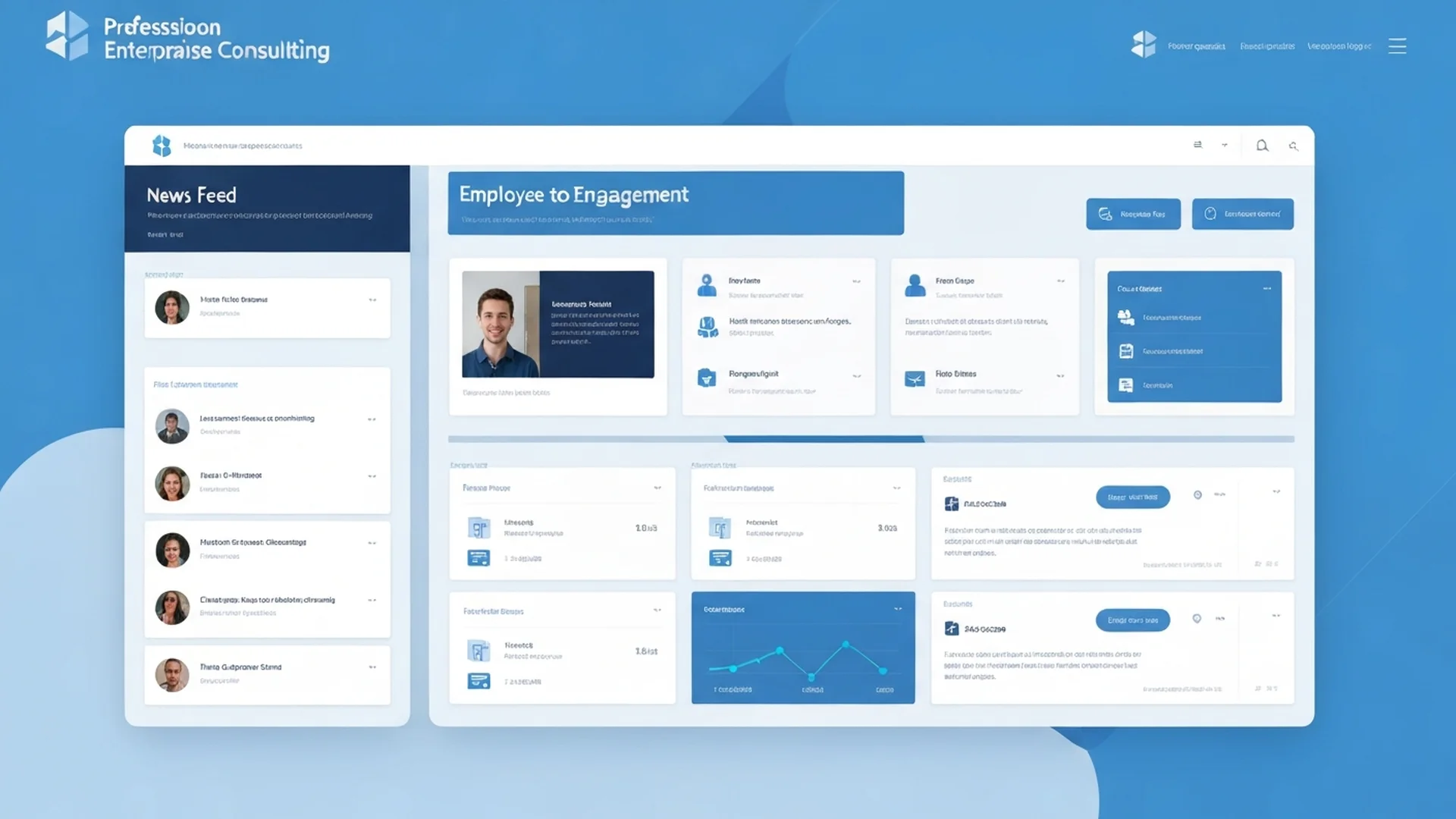
The Modern Intranet Vision
Modern intranets have evolved from static portals to dynamic employee experience platforms. In 2025, successful intranets connect people, information, and processes seamlessly — anchored by a well-designed hub site architecture. For the full implementation blueprint, see our SharePoint hub sites complete guide.
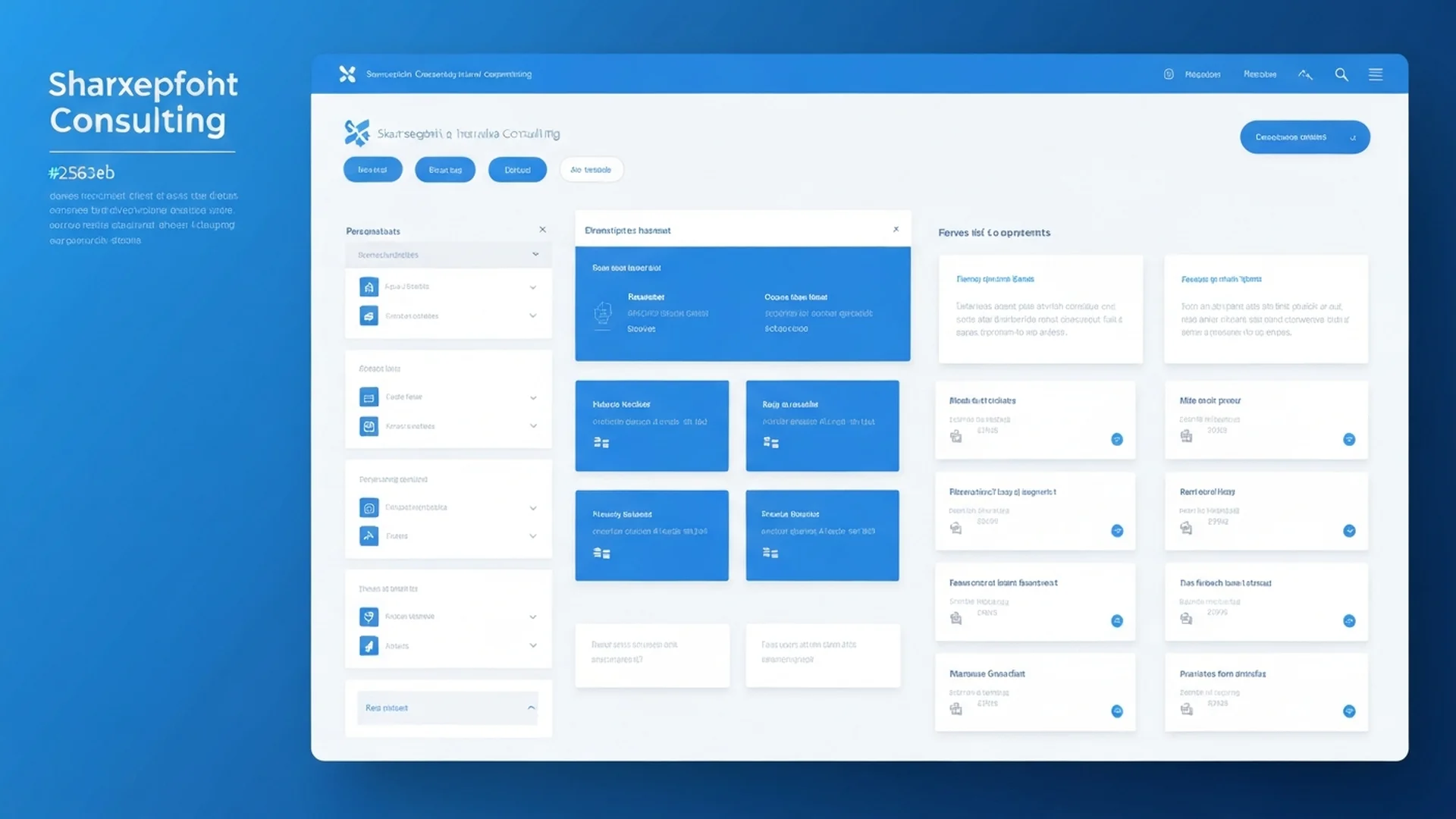
Key Design Principles
1. Employee-Centric Design
Put employees at the center:
- Personalization: Content relevant to each user
- Task Orientation: Help people get work done
- Mobile-First: Accessible anywhere
- Intuitive Navigation: Find anything in 3 clicks
2. Communication Hub
Enable organizational communication:
- News Publishing: Company announcements
- Events: Organizational calendar
- Video Content: Executive messages
- Social Features: Comments, reactions
3. Productivity Integration
Connect to work tools:
- Quick Links: Frequently used applications
- Search: Find anything across Microsoft 365
- Workflows: Common tasks at your fingertips
- Dashboards: Key metrics and KPIs
Architecture Components
Hub Sites
Organize content by function:
- Corporate Hub: Company-wide information
- Department Hubs: Team-specific content
- Location Hubs: Regional information
- Project Hubs: Initiative-focused collaboration
Communication Sites
Beautiful, responsive pages:
- News Posts: Rich media articles
- Events: Calendar integration
- People: Organization directory
- Resources: Document libraries
Team Sites
Collaboration workspaces:
- Document Libraries: Team files
- Lists: Structured data
- Conversations: Team discussions
- Planner Integration: Task management
Design Best Practices
Visual Design
Create visually appealing experiences:
- Brand Alignment: Company colors and fonts
- Consistent Layouts: Predictable page structures
- White Space: Clean, uncluttered designs
- Imagery: High-quality photos and graphics
Navigation
Help users find content:
- Global Navigation: Persistent top nav
- Hub Navigation: Consistent across hub
- Quick Links: Popular destinations
- Search: Prominent search box
Content Strategy
Plan your content:
- Content Owners: Clear accountability
- Publishing Schedule: Regular updates
- Review Cycles: Keep content fresh
- Archive Policies: Remove outdated content
Web Parts to Use
Hero Web Part
Showcase key content with impact:
- Multiple layout options
- Call-to-action buttons
- Video support
- Custom imagery
News Web Part
Display organizational news:
- Carousel layouts
- Filtering options
- Audience targeting
- Cross-site rollups
Quick Links
Provide easy access:
- Icon options
- Description text
- Grouping
- Compact views
People Web Part
Highlight team members:
- Profile cards
- Organization integration
- Custom properties
- Multiple layouts
Events Web Part
Show organizational calendar:
- Multiple views
- Filtering
- Cross-site aggregation
- Teams integration
Viva Connections
Enhance your intranet with Viva:
Dashboard
Personalized cards:
- Quick tasks
- System notifications
- Custom integrations
- Third-party apps
Feed
Aggregated content:
- SharePoint news
- Yammer posts
- Stream videos
- Boosted content
Resources
Quick access:
- Important links
- Applications
- Policies
- Tools
Measurement and Analytics
Track intranet success:
- Page Views: Content popularity
- Unique Users: Reach and adoption
- Search Analytics: What people look for
- Engagement: Comments, reactions, shares
Implementation Tips
- Start Simple: Begin with core features
- Iterate Based on Feedback: Continuous improvement
- Champion Network: Departmental ambassadors
- Training: Help users discover features
- Celebrate Success: Share adoption wins
Conclusion
Modern SharePoint intranets transform how organizations communicate and collaborate. By following these design principles and best practices, you can create an engaging employee experience.
Ready to build your modern intranet? Our design experts can help you create an engaging employee experience.
Enterprise Implementation Best Practices
In our 25+ years managing enterprise SharePoint environments, we have designed and deployed intranets for organizations across healthcare, financial services, government, and manufacturing. The intranets that succeed share common implementation patterns that go beyond visual design into sustainable operational excellence.
- Start with Employee Journey Mapping: Before designing a single page, map the daily journeys of your key employee personas. Identify the information and tools each persona needs at every stage of their workday from clocking in to submitting timesheets. A nurse needs different intranet content than a financial analyst or a warehouse supervisor. Design your intranet navigation, homepage layout, and audience targeting around these journeys rather than organizational hierarchy.
- Implement a Hub Site Architecture: Use SharePoint hub sites to create a logical intranet hierarchy that supports both centralized communication and departmental autonomy. The corporate communications hub delivers company-wide news and policies. Departmental hubs provide function-specific resources, tools, and news. Project hubs aggregate cross-functional collaboration content. This architecture scales gracefully as your organization grows and reorganizes without requiring intranet redesigns.
- Design for Mobile First: Over 40 percent of intranet traffic in enterprise organizations comes from mobile devices, yet most intranets are designed on desktop monitors. Test every page on mobile devices first and ensure critical tasks like submitting time-off requests, finding phone numbers, and reading company news work flawlessly on small screens. Use the SharePoint mobile app's push notification capabilities to drive engagement with time-sensitive content.
- Build a Content Strategy and Editorial Calendar: An intranet without fresh content is a dead intranet. Establish an editorial calendar with content owners across departments responsible for maintaining their sections. Define content quality standards, review cycles, and archival rules. Train content contributors on SharePoint page creation, image optimization, and audience targeting. Schedule monthly content audits to identify and refresh stale pages that undermine user trust in the intranet as a reliable information source.
- Leverage Viva Connections for Personalization: Deploy Viva Connections as the front door to your intranet from Microsoft Teams. Configure the dashboard with adaptive cards that surface personalized tasks, approvals, and information relevant to each employee based on their role, department, and location. This brings the intranet to where employees already work rather than requiring them to navigate to a separate site.
Governance and Compliance Considerations
Intranet governance ensures your employee communication platform remains accurate, accessible, and compliant with regulatory requirements. Without governance, intranets accumulate outdated content that erodes employee trust and creates compliance risks.
Content accuracy governance is critical for intranets that publish HR policies, safety procedures, compliance guidelines, and regulatory notices. Implement mandatory content review workflows that require subject matter expert approval before policy pages are published. Configure expiration dates on time-sensitive content and automate notifications to content owners 30 days before expiration. For HIPAA-regulated healthcare organizations, ensure that intranet content related to patient privacy policies, HIPAA training materials, and compliance procedures is reviewed quarterly by your compliance officer and updated to reflect current regulatory guidance.
Accessibility compliance is a legal requirement under the Americans with Disabilities Act and Section 508 for government organizations. Ensure all intranet content meets WCAG 2.1 AA standards including proper heading hierarchy, alt text for all images, sufficient color contrast, keyboard navigation support, and screen reader compatibility. Audit accessibility quarterly using automated tools supplemented by manual testing with assistive technologies.
Multi-language requirements arise in multinational organizations where employees speak different primary languages. SharePoint's multilingual publishing capabilities allow you to maintain translated versions of intranet pages with consistent information architecture across languages. Establish translation workflows that ensure critical content such as safety procedures, benefits information, and compliance policies are available in all required languages within defined SLA timeframes. Partner with experienced SharePoint migration specialists when restructuring existing intranets to support multilingual requirements.
Measuring Success and ROI
Intranet ROI is measured through employee engagement metrics, productivity improvements, and communication effectiveness indicators that demonstrate the platform is delivering value to both employees and the organization.
Track unique daily visitors as a percentage of total employees targeting 60 percent or higher within six months of launch. Monitor page views per session to measure engagement depth targeting 3 or more pages per visit. Measure search effectiveness through the percentage of searches that result in a click targeting above 70 percent. Track content freshness measured as the percentage of pages updated within the last 90 days targeting 80 percent or higher. Survey employee satisfaction with the intranet quarterly targeting 4.0 or higher on a 5-point scale. Measure the reduction in all-company email volume as communications shift to the intranet targeting a 30 percent decrease. Track time to find information through periodic user testing targeting under 60 seconds for common tasks like finding the travel policy or submitting a help desk ticket.
Create an intranet that employees actually want to use. Our intranet design specialists have built award-winning SharePoint intranets for enterprises across every industry. Contact our team for an intranet strategy session and discover how our SharePoint consulting services can transform your employee experience. Our SharePoint support team provides ongoing intranet optimization and content governance services to ensure your intranet remains fresh, engaging, and compliant with organizational standards over time.
Common Challenges and Solutions
Organizations implementing Designing Modern SharePoint Intranets consistently encounter obstacles that, if left unaddressed, undermine adoption and erode stakeholder confidence. Drawing on two decades of enterprise SharePoint consulting, these are the challenges we see most frequently and the proven approaches for overcoming them.
Challenge 1: Content Sprawl and Information Architecture Degradation
Over time, Designing Modern SharePoint Intranets environments accumulate redundant, outdated, and trivial content that degrades search relevance and confuses users. Without proactive content lifecycle management, the signal-to-noise ratio deteriorates and user trust in the platform erodes. The resolution requires a structured approach: establishing automated retention policies that flag content for review after defined periods of inactivity, combined with content owner accountability structures that assign clear responsibility for each site collection and library. Organizations that address this proactively report 40 to 60 percent fewer support tickets within the first 90 days of deployment. Establishing a dedicated governance committee with representatives from IT, compliance, and business stakeholders ensures ongoing alignment between technical configuration and organizational objectives.
Challenge 2: Compliance and Audit Readiness Gaps
Designing Modern SharePoint Intranets implementations in regulated industries often lack the audit trail depth and policy enforcement rigor required by frameworks such as HIPAA, SOC 2, and GDPR. Retroactive compliance remediation is significantly more expensive and disruptive than building compliance into the initial design. We recommend embedding compliance requirements into the information architecture from day one. Configure Microsoft Purview retention labels, DLP policies, and audit logging before deploying content, and validate compliance posture through regular internal audits. Tracking these metrics through SharePoint health dashboards provides early warning indicators that allow administrators to intervene before minor issues become systemic problems affecting enterprise-wide productivity.
Challenge 3: Inconsistent Governance Across Business Units
When different departments implement Designing Modern SharePoint Intranets independently, inconsistent naming conventions, metadata schemas, and security configurations create silos that undermine cross-functional collaboration and complicate compliance reporting. The most effective mitigation strategy involves centralizing governance policy definition while allowing controlled flexibility at the departmental level. A hub-and-spoke governance model balances enterprise consistency with departmental autonomy. Enterprises operating in regulated industries such as healthcare and financial services must pay particular attention to this challenge because compliance violations carry significant financial and reputational consequences. Regular audits conducted quarterly at minimum help organizations maintain alignment with evolving regulatory requirements and internal policy updates.
Challenge 4: Migration and Legacy Content Complexity
Organizations transitioning legacy content into Designing Modern SharePoint Intranets often underestimate the complexity of mapping old structures, metadata, and permissions to modern architectures. Failed migrations erode user confidence and create parallel systems that duplicate effort. Addressing this requires conducting thorough pre-migration content audits that classify and prioritize content based on business value. Invest in automated migration tools that preserve metadata fidelity and permission integrity while providing detailed validation reports. Organizations that invest in structured change management programs achieve adoption rates 35 percent higher than those relying on organic discovery alone. Executive sponsorship combined with department-level champions creates the organizational momentum necessary for sustained success.
Integration with Microsoft 365 Ecosystem
Designing Modern SharePoint Intranets does not operate in isolation. Its value multiplies when connected to the broader Microsoft 365 ecosystem, creating unified workflows that eliminate context switching and reduce manual data transfer between applications.
Microsoft Teams Integration: Embed Designing Modern SharePoint Intranets dashboards and document libraries as Teams tabs to create unified workspaces where conversations and structured content management coexist within a single interface. Teams channels automatically provision SharePoint document libraries, which means designing modern sharepoint intranets configurations and content flow seamlessly between collaborative conversations and structured document management. Users can surface SharePoint content directly within Teams tabs, reducing the friction that typically causes adoption to stall.
Power Automate Workflows: Implement scheduled flows that perform routine Designing Modern SharePoint Intranets maintenance tasks including permission reports, content audits, and usage analytics without requiring manual intervention. Automated workflows triggered by SharePoint events such as document uploads, metadata changes, or approval completions eliminate repetitive manual tasks. Organizations typically automate 15 to 25 processes within the first quarter, saving an average of 8 hours per week per department. These automations also create audit trails that satisfy compliance requirements for regulated industries.
Power BI Analytics: Build executive dashboards that aggregate Designing Modern SharePoint Intranets metrics alongside other business KPIs, providing a holistic view of digital workplace effectiveness and investment returns. Connecting SharePoint data to Power BI dashboards provides real-time visibility into content usage patterns, adoption metrics, and operational KPIs. Decision makers gain actionable intelligence without requiring manual report generation, enabling faster response to emerging trends and potential issues.
Microsoft Purview and Compliance: Implement retention policies that automatically manage Designing Modern SharePoint Intranets content lifecycle, preserving business-critical records for required periods while disposing of transient content to reduce storage costs and compliance exposure. Sensitivity labels, data loss prevention policies, and retention schedules configured in Microsoft Purview extend automatically to designing modern sharepoint intranets content. This unified compliance framework ensures that governance policies apply consistently across the entire Microsoft 365 environment rather than requiring separate configuration for each workload. For organizations subject to HIPAA, SOC 2, or FedRAMP requirements, this integrated approach significantly reduces compliance management overhead.
Getting Started: Next Steps
Implementing Designing Modern SharePoint Intranets effectively requires more than technical configuration. It demands a strategic approach grounded in your organization's specific business requirements, compliance obligations, and growth trajectory. The difference between a deployment that delivers measurable ROI and one that becomes shelfware often comes down to the quality of upfront planning and expert guidance.
Begin with a focused assessment of your current SharePoint environment. Evaluate your existing information architecture, permission structures, content lifecycle policies, and user adoption patterns. Identify gaps between your current state and the target state required for successful designing modern sharepoint intranets implementation. This assessment typically takes 2 to 4 weeks and produces a prioritized roadmap that aligns technical work with business outcomes.
Our SharePoint specialists have guided organizations across healthcare, financial services, government, and education through hundreds of successful implementations. We bring deep expertise in SharePoint architecture, governance frameworks, and compliance alignment that accelerates time to value while minimizing risk.
Ready to move forward? Contact our team for a complimentary consultation. We will assess your environment, identify quick wins, and develop a phased implementation plan tailored to your organization's needs and timeline. Whether you are starting from scratch or optimizing an existing deployment, our enterprise SharePoint consultants deliver the depth and accountability enterprise SharePoint work requires.
Written by the SharePoint Support Team
Senior SharePoint Consultants | 25+ Years Microsoft Ecosystem Experience
Our senior SharePoint consultants bring deep expertise spanning 500+ enterprise migrations and compliance implementations across HIPAA, SOC 2, and FedRAMP environments. We cover SharePoint Online, Microsoft 365, migrations, Copilot readiness, and large-scale governance.
Expert SharePoint Services
Frequently Asked Questions
What makes a successful SharePoint intranet?▼
How much does a SharePoint intranet project typically cost?▼
Should we use Viva Connections or a custom SharePoint intranet?▼
How do we measure SharePoint intranet ROI?▼
How do we apply consistent branding across all SharePoint sites?▼
Need Expert Help?
Our SharePoint consultants are ready to help you implement these strategies in your organization.
Continue Reading in Intranets
Viva Connections Deployment: Building Your Modern Employee Experience Platform
Deploy Microsoft Viva Connections to create a personalized employee experience hub that brings together communications, resources, and tools in one accessible location.
IntranetsSharePoint Intranet Design Best Practices: 2026 Guide
Expert guide to designing a modern SharePoint intranet. Covers hub site architecture, navigation design, homepage design, content strategy, search optimization, and governance for enterprise intranets.
IntranetsViva Connections and SharePoint Home Site Strategy for 2026
Viva Connections surfaces SharePoint inside Teams. A complete strategy for home site design, dashboard configuration, and the architecture that makes the employee experience work.
IntegrationSharePoint and Microsoft Teams Integration: The Guide
Master the integration between SharePoint and Teams to create seamless collaboration experiences.
SearchSharePoint Search Optimization: Make Every Document Findable
Configure SharePoint search to help users find the right content instantly with advanced search optimization techniques.
MigrationTenant-to-Tenant Migration: Complete Planning Guide for M&A
Master the complexities of SharePoint tenant-to-tenant migrations during mergers, acquisitions, and divestitures with our comprehensive planning guide.